Tools Built From Parts
Make the head, binding and handle separately, then assemble them into a tool with stats from those exact parts.
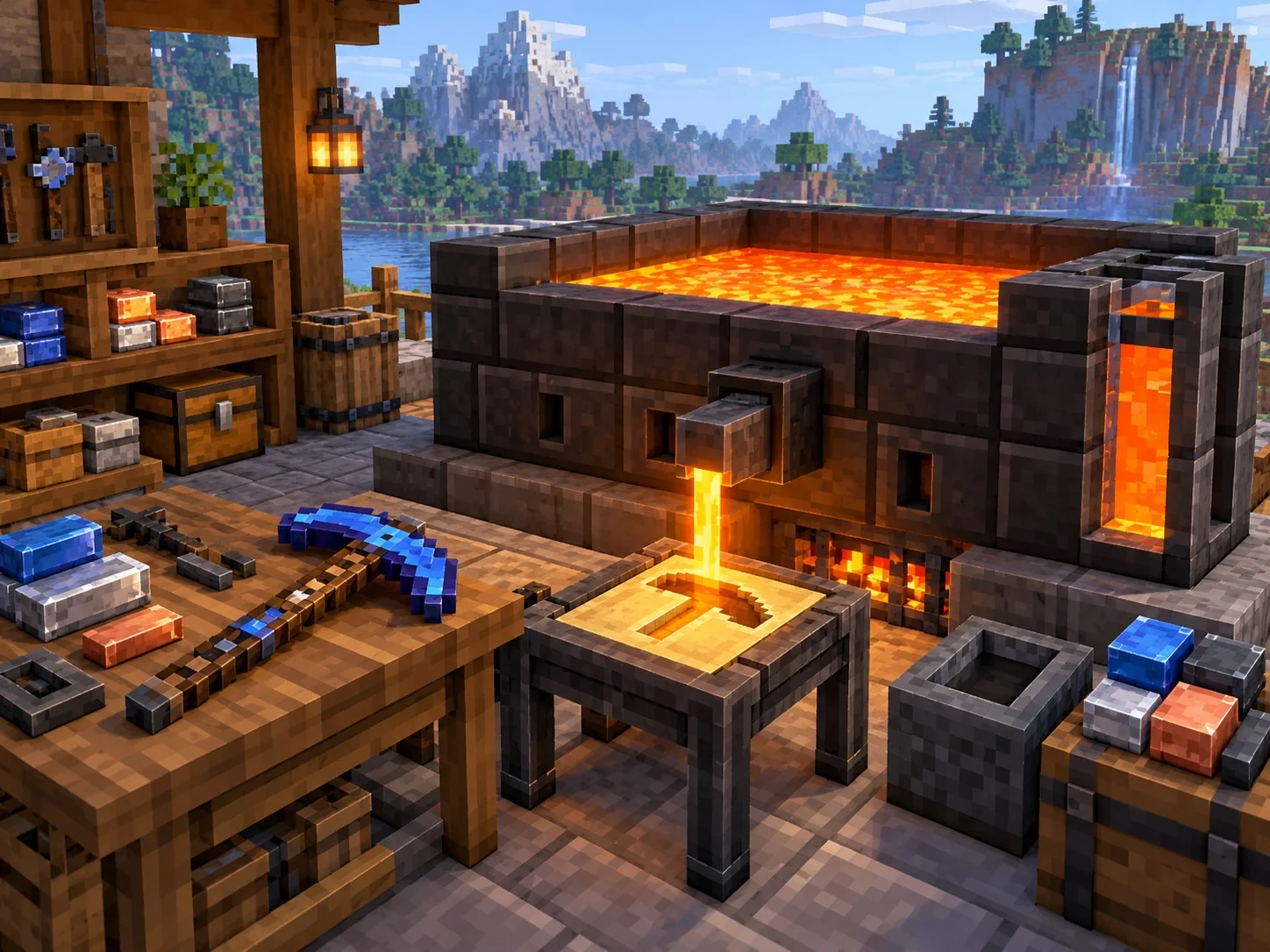
The Tinkers Construct Mod lets you build tools and weapons from separate parts, melt ores in a smeltery and upgrade your gear with modifiers. Make tools that fit the way you mine, fight and explore.
Tinkers Construct turns tool crafting into building, upgrading and repairing.
Tinkers Construct, often called the Tinkers Mod, is a long-running Minecraft: Java Edition mod built around one simple idea: tools are made from parts. Instead of crafting a finished pickaxe in one step, you make its head, binding and handle separately, from the materials you choose, and then assemble them. The finished tool gets its stats and traits from those exact parts.
The mod was originally created by mDiyo and is developed today by the SlimeKnights team. Tinkers' Construct 3, the version for Minecraft 1.16 and newer, adds a smeltery and foundry for working with liquid metal, a modifier system and new world generation such as slime islands.
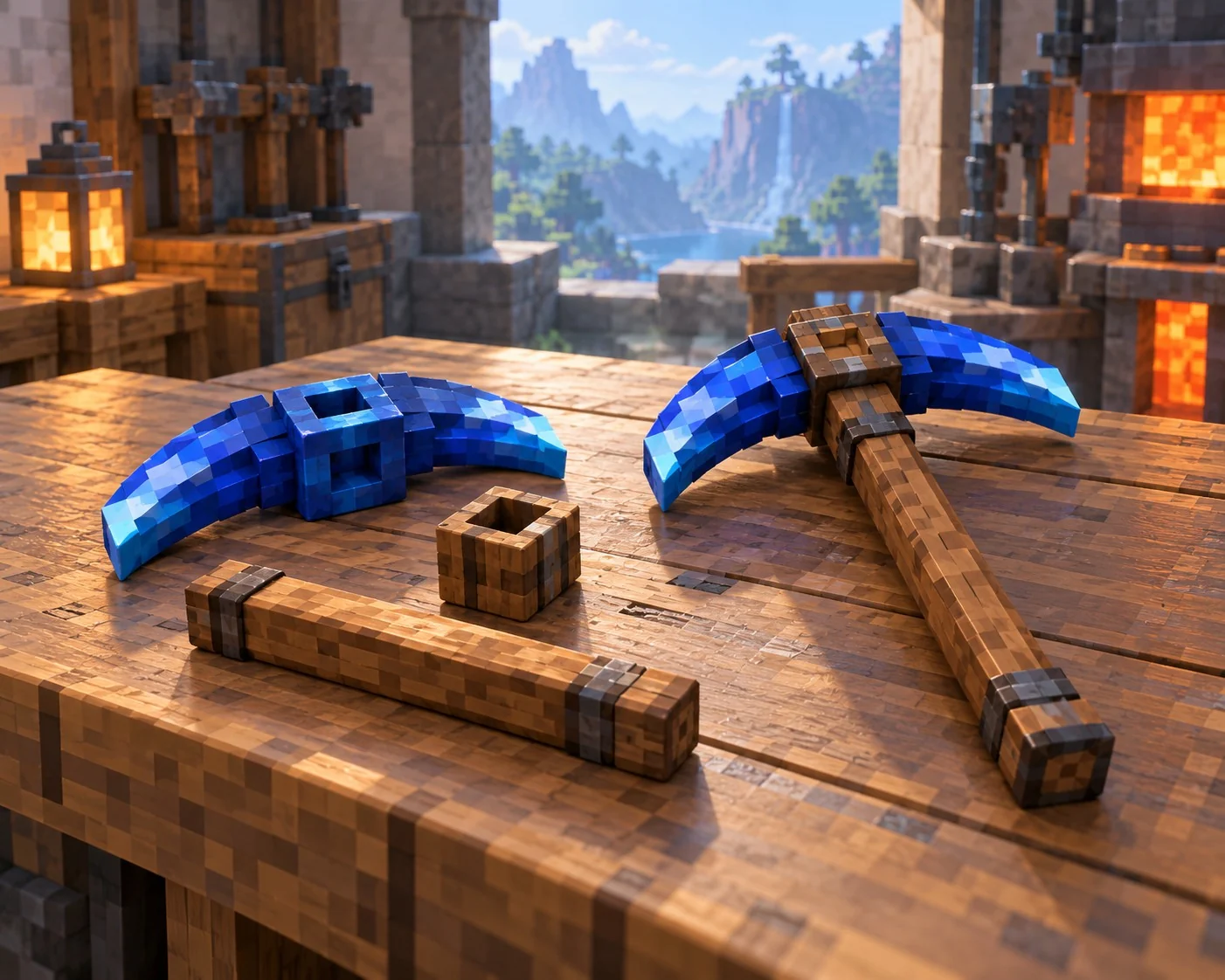
Tinkers Construct adds a full system for building, upgrading and maintaining your tools.
Make the head, binding and handle separately, then assemble them into a tool with stats from those exact parts.
Wood, flint, copper, cobalt and alloys each add their own stats and built-in traits to the parts they make.
Melt ores and metal items in a seared-brick multiblock, then cast the liquid metal into ingots and tool parts.
Add speed, fortune, silk touch and more within each tool's upgrade and ability slots.
Worn-out Tinkers tools stop working instead of breaking, so you can repair them and keep every upgrade.
Explore slime islands in the Overworld, Nether and End, slimy geodes underground and cobalt ore in the Nether.
Tinkers Construct follows a simple loop: make parts, assemble a tool, then upgrade it. You repeat it with better materials as your world progresses.
Craft a Part Builder and a Tinker Station, plus blank patterns made from wood.
Combine a pattern with a material in the Part Builder. Metal parts are cast in the smeltery.
Place the parts in the Tinker Station, pick the tool shape and take your new tool.
Spend upgrade and ability slots on modifiers, and repair the tool when it wears out.
Your tools become something you build and improve, not something you replace.
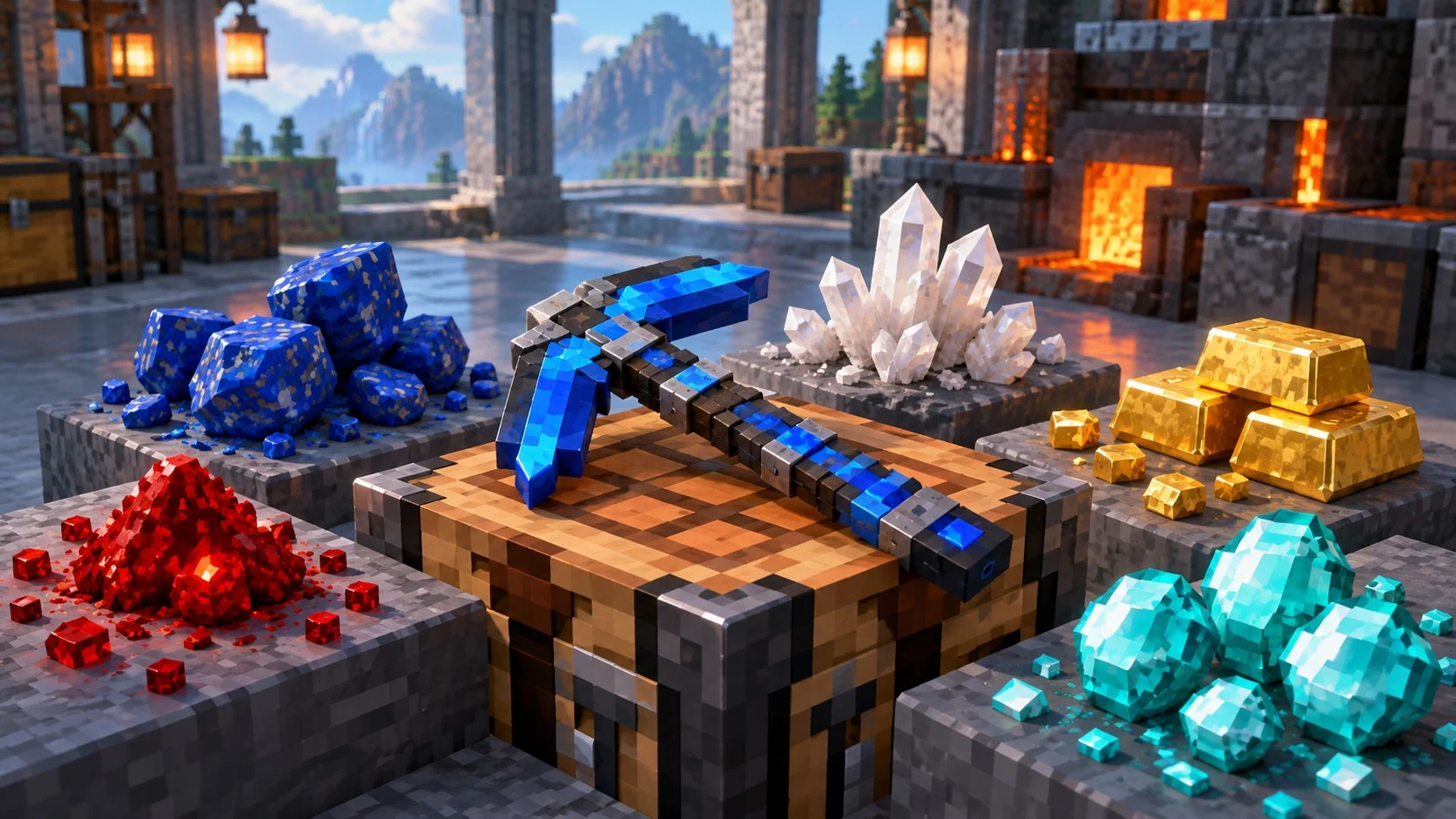
Tinkers Construct gives every tool a purpose. Choose fast, light parts for mining, strong heads for combat, or durable materials for long trips, and see exactly how each choice changes the tool's stats and traits.
Because worn tools can be repaired instead of breaking, the modifiers you add stay with you. The stations, melter, smeltery and foundry also give survival a steady set of goals, from your first flint pickaxe to cobalt and alloy gear.
Tinkers Construct installation needs files that match your Minecraft Java Edition version and your mod loader. Follow these four steps to prepare your game.
Run Minecraft: Java Edition 1.20.1 once so the game files for that version are ready.
Install Forge or NeoForge for Minecraft 1.20.1 and launch its profile once.
Download Tinkers Construct below and a matching 1.20.1 Mantle build, then copy both .jar files into your mods folder.
Start the Forge or NeoForge profile and open the Mods screen. Tinkers' Construct and Mantle should both be listed.
Tinkers' Construct 3.11.2.166 for Minecraft 1.20.1 on Forge or NeoForge. The button downloads the file directly from CurseForge. Add it to your mods folder together with Mantle, and back up your worlds first.
Tinkers Construct compatibility depends on your Minecraft edition, game version and installed mod loader.
Tinkers Construct is a Java Edition mod. The linked file is made for Minecraft 1.20.1, so your game version must match it.
The linked file is listed for Forge and NeoForge. There is no official Fabric build; Hephaestus is an unofficial Fabric port by other developers.
Install Mantle, the SlimeKnights library mod, in the same mods folder. Use a Mantle build that matches your Tinkers and Minecraft versions.
The Java mod does not run on Bedrock. A separate Bedrock version is made by Feed the Beast and plays differently.
Start with simple stations and stone parts, then work your way up to the smeltery.
Start a world, craft a Part Builder and a Tinker Station, and make blank patterns from wood. Combine a pattern with a material such as planks, stone or flint in the Part Builder to make tool parts, then place the parts in the Tinker Station to assemble your first tool.
Next, build a seared melter or a full smeltery to melt ores and cast metal parts. Add modifiers at the Tinker Station when your tool has free slots, and repair it there when it wears out. The in-game guide books and JEI show the exact recipes for the version you have installed. For more detail, read our tool building guide and smeltery guide.
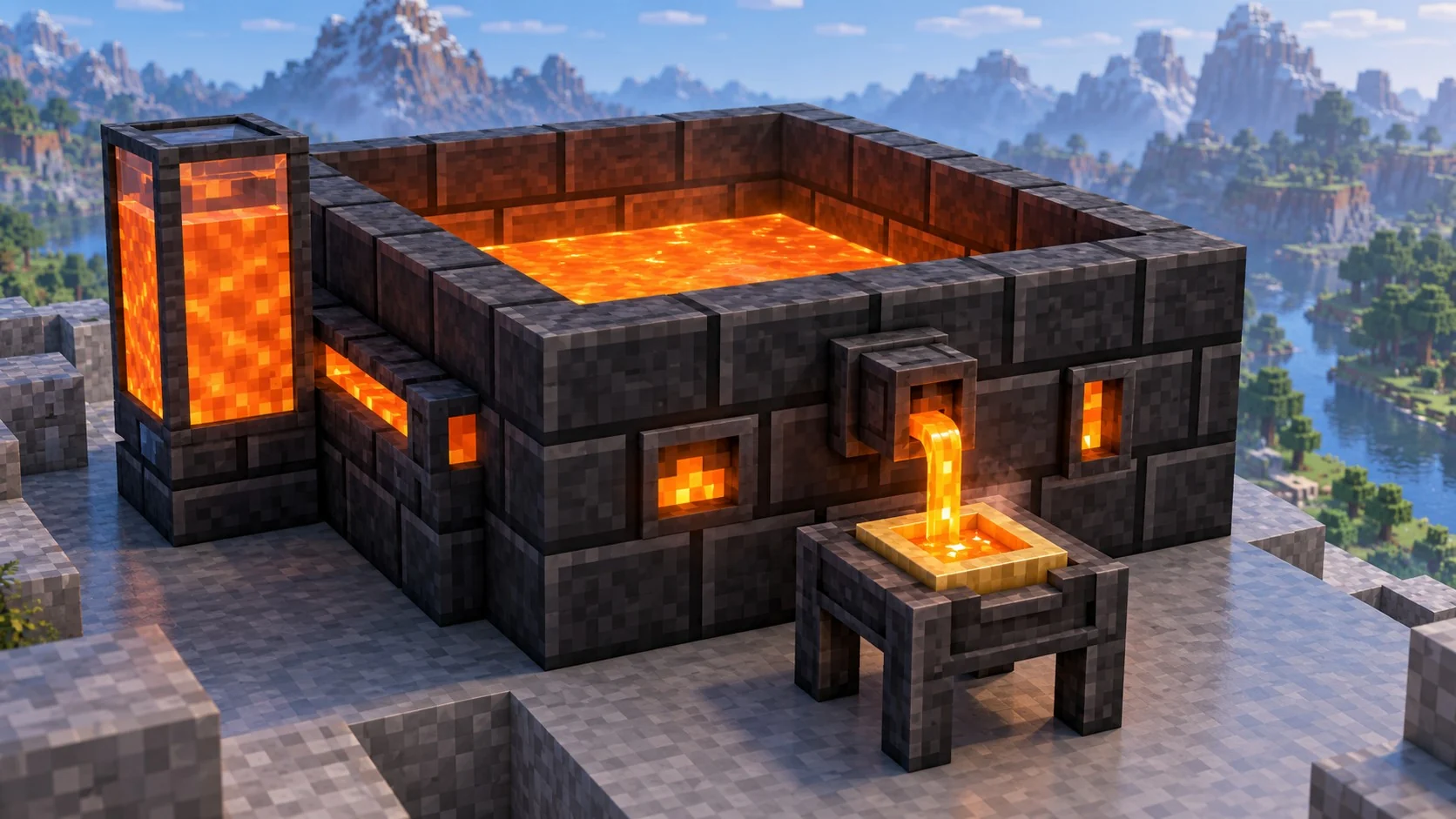
Tinkers Construct replaces fixed vanilla tool recipes with a modular system. Here is how the two compare.
| Point | Tinkers Construct | Vanilla Tools |
|---|---|---|
| Main purpose | Build, upgrade and repair modular tools | Craft fixed tools from a single recipe |
| Crafting | Part Builder, Tinker Station and smeltery casting | Crafting table |
| Durability | Tool stops working and can be repaired | Tool breaks and disappears |
| Upgrades | Modifiers in upgrade and ability slots | Enchanting table and anvil |
| Installation | Forge or NeoForge, plus Mantle | Included with Minecraft |
Most Tinkers Construct problems come from a missing library, mismatched versions or an unfinished smeltery. More in the troubleshooting guide.
Check that Mantle is installed and that both files match your Minecraft version and loader. Open the crash report in the crash-reports folder for details.
Make sure every floor and wall block is seared, and that the controller, fuel tank and drain are built into the wall. Fill the tank with lava.
The server and every player need the same Tinkers Construct, Mantle and loader versions. The disconnect screen usually names the mod that differs.
Tinkers Construct answers covering setup, compatibility, the smeltery and modifiers.